Public Bodies

Find any UK public organisation.

Public Bodies is the directory side of the platform. It catalogues every council, NHS trust, school, housing association, fire and rescue service, emergency service and central government body in the UK.

Five sub-tabs — Org name and type, Area, Demographics, Postholders and Special — let you slice the directory in different ways.
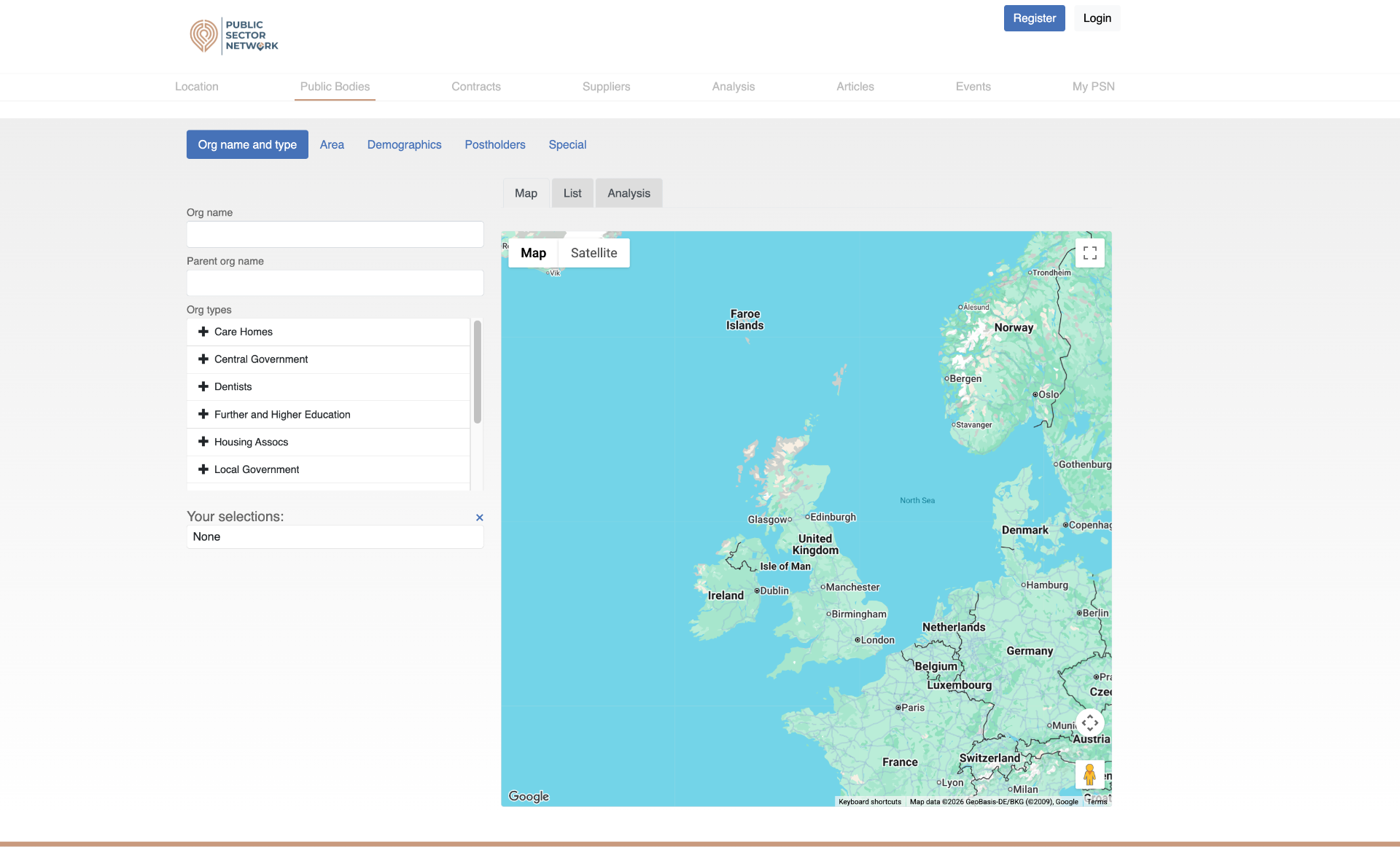
Public Bodies Org name and type sub-tab
Org name and type: search by name or parent org, or filter by organisation type.

What you can do here

Name search

Free-text search across organisation names and parent orgs.

Filter by type

Care Homes, Central Government, Dentists, Further & Higher Education, Housing Associations, Local Government and more.

Filter by area

Postcode area, Local Authority District, Constituency or pre-set UK regions.

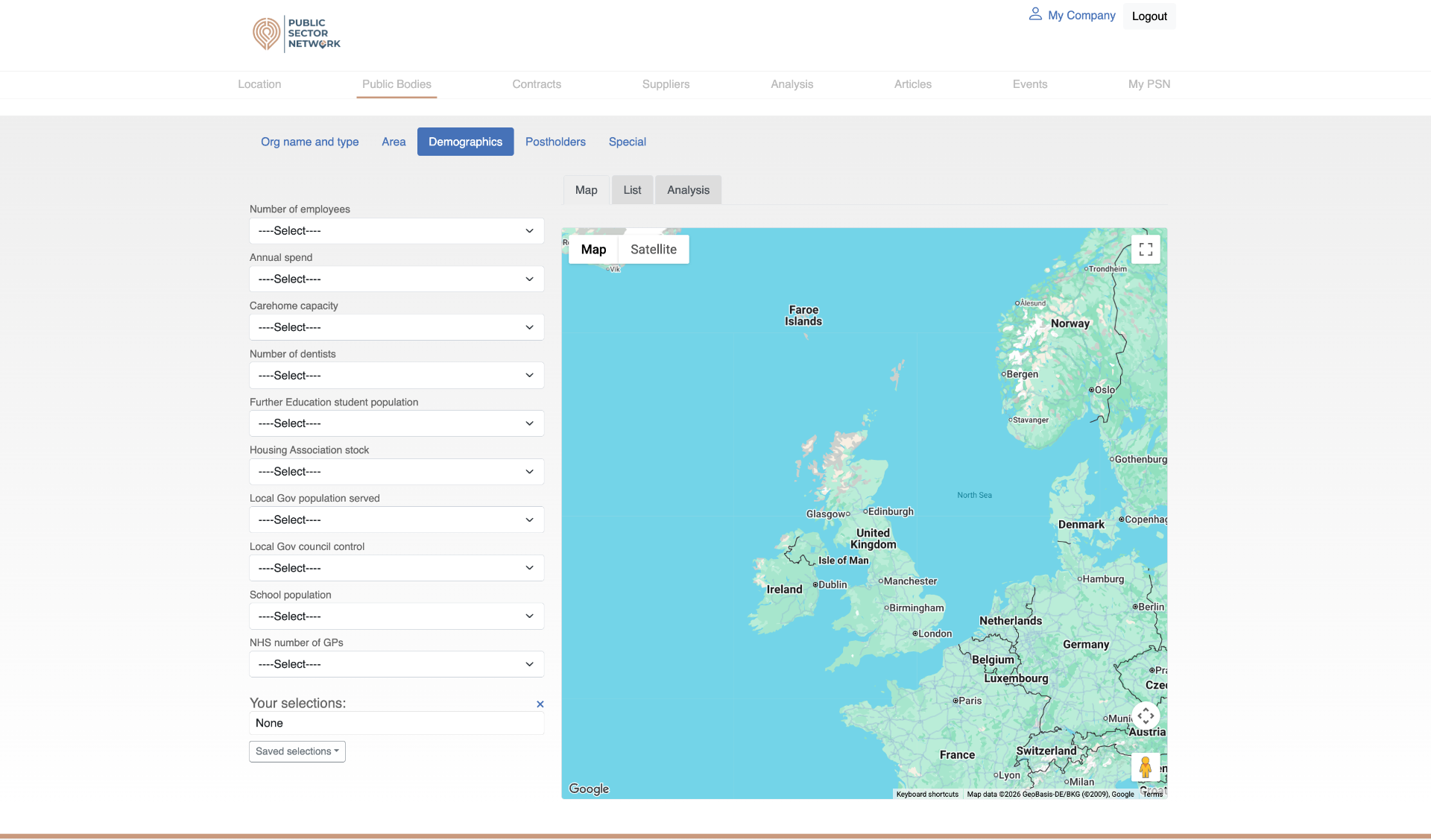
Filter by demographics

Employees, annual spend, care-home capacity, student or school population, NHS GP counts.

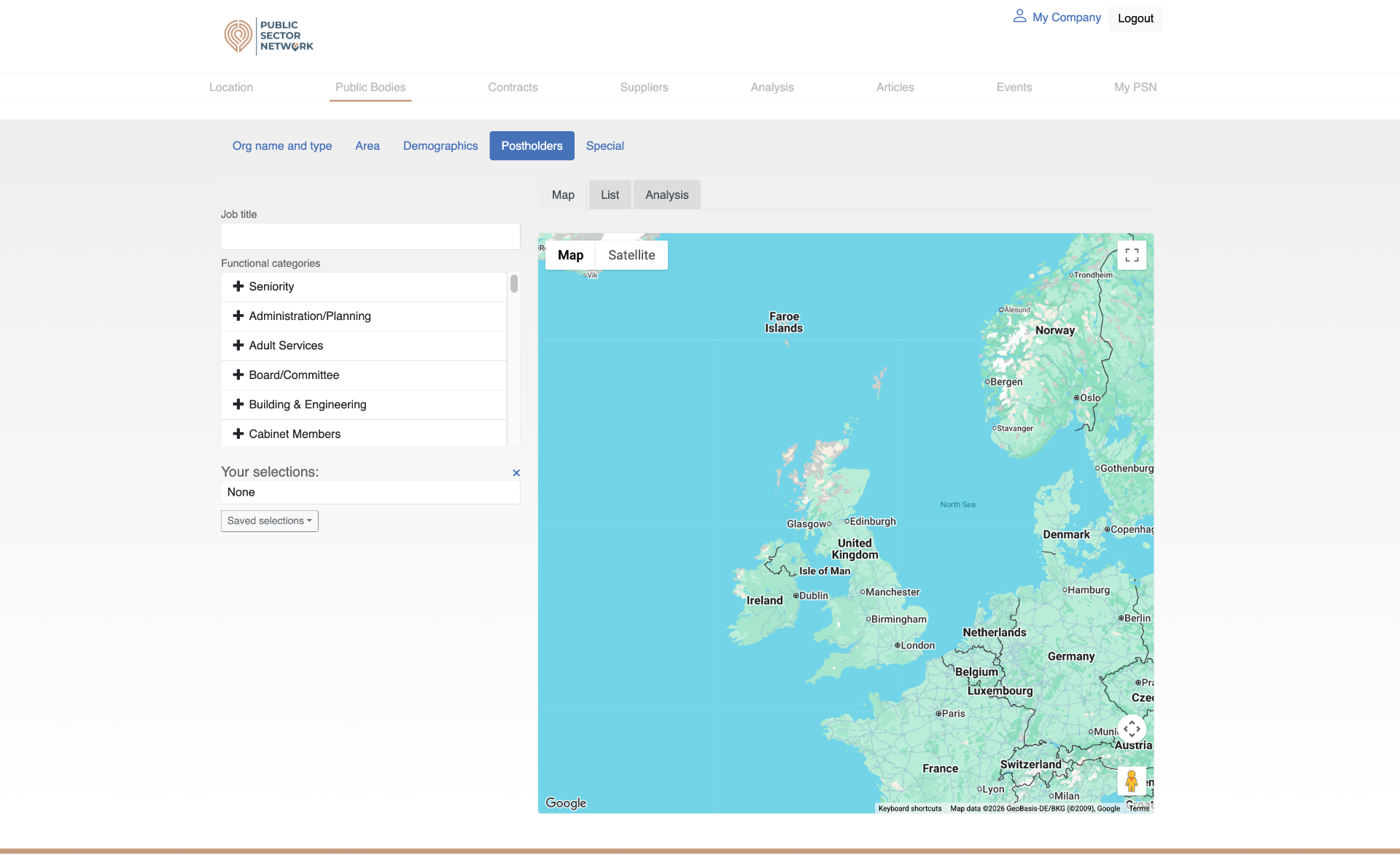
Filter by postholders

Find orgs by job title or functional category (Adult Services, Board, Building & Engineering, …).

Map · List · Analysis

Switch the right-hand panel between a map, a sortable list, and aggregate analysis.

The five sub-tabs
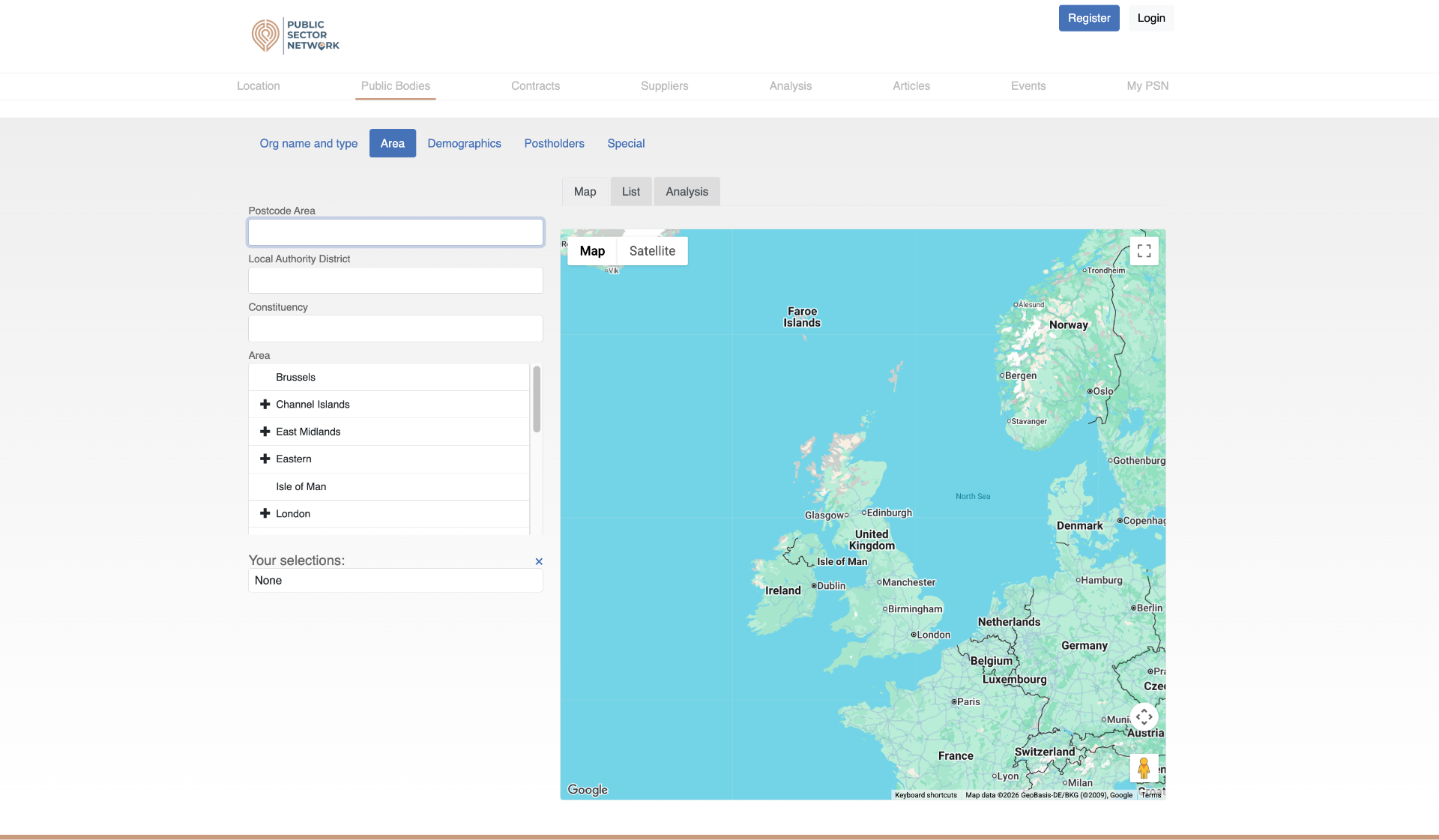
Area sub-tab
Area — narrow by postcode area, LAD, constituency or region.
Demographics sub-tab
Demographics — filter by size, spend, population and capacity.
Postholders sub-tab
Postholders — find orgs by who works there and in what function.
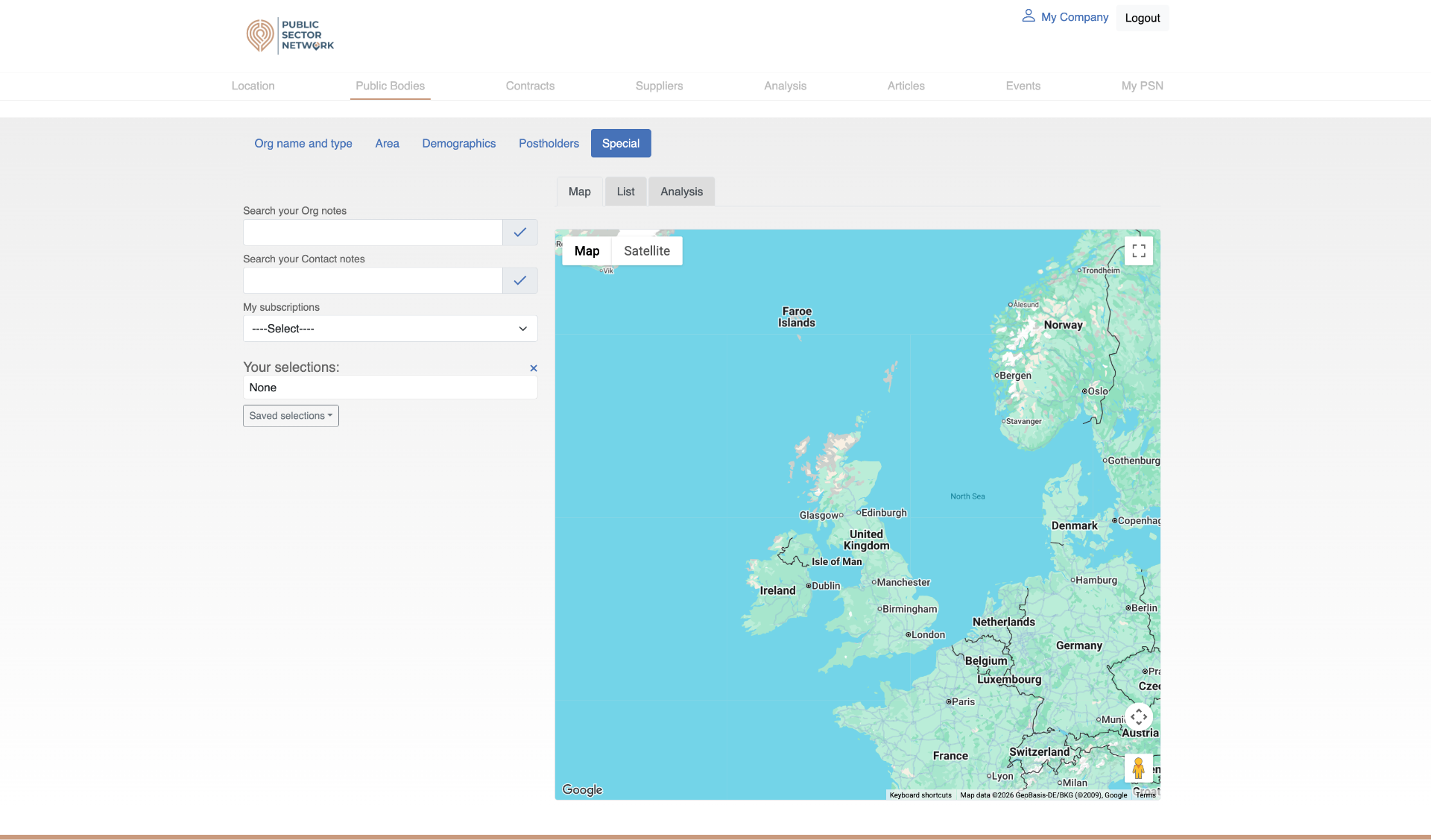
Special sub-tab
Special — search your own org/contact notes and saved subscriptions.

What's premium

Org name and type and Area are open to all logged-in users. Demographics, Postholders and Special — plus the ability to download your selections as a spreadsheet — are reserved for premium MyPSN subscribers.

Saving and reusing a search

Build up your filters across the sub-tabs, then look at Your selections in the left-hand panel. Click Save, give the search a name in the popup, and it will appear under Saved selections next time you come back. Premium users can also hit Download to export the matching organisations, and pivot the same selection into Contracts to see what those orgs have been buying.